MODULE 01
WMS Dashboard
Get a centralized overview of warehouse operations, inventory information and important operational activities from a single dashboard.
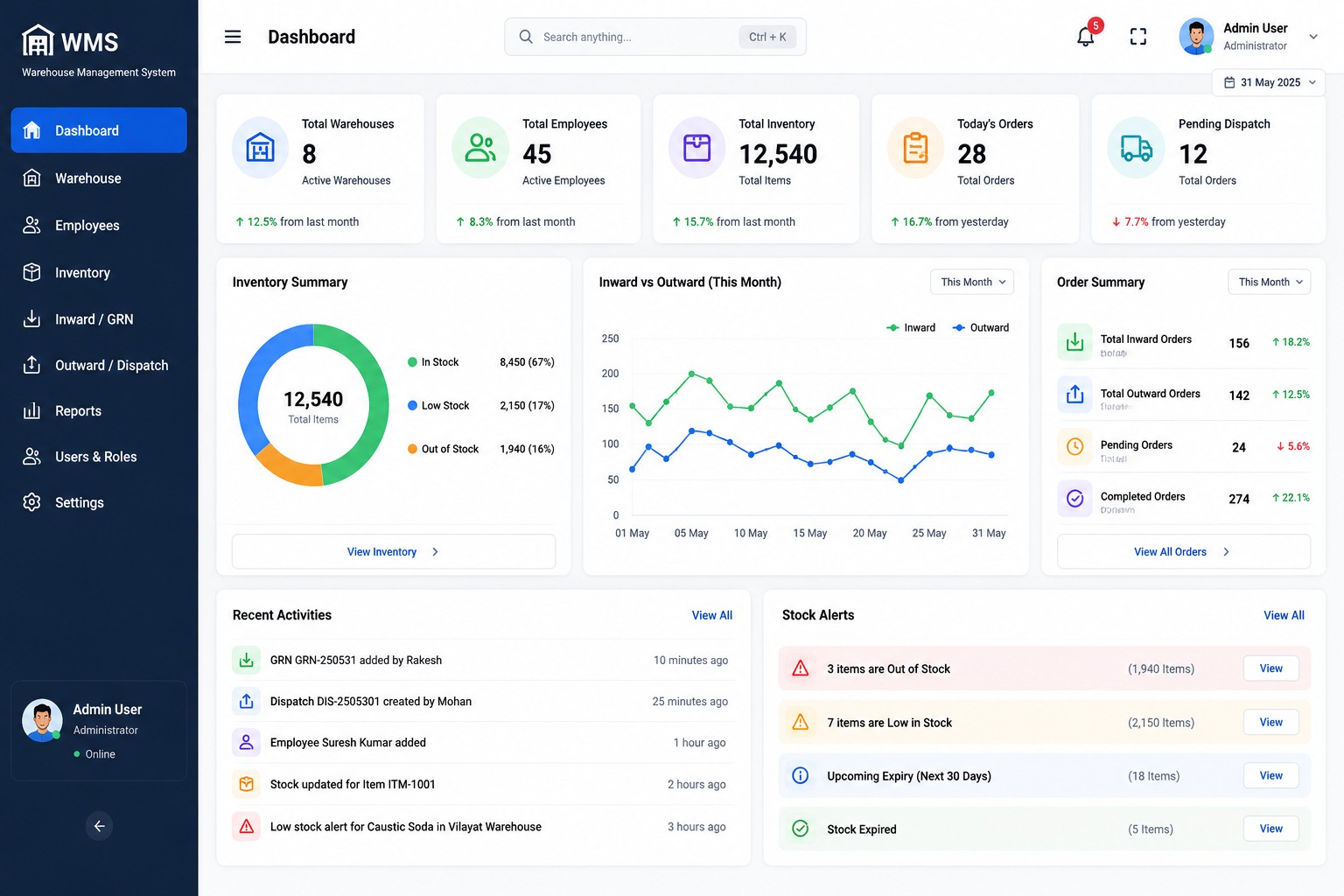
Get a centralized overview of warehouse operations, inventory information and important operational activities from a single dashboard.
A centralized view designed to help teams understand warehouse operations at a glance.
View important inventory information and stock status from a centralized dashboard.
Get a quick overview of warehouse-related operational information.
Review important incoming inventory and receiving activity information.
Keep track of outbound and dispatch-related operational information.
Access an organized overview of employee-related warehouse information.
Bring important warehouse information together for faster operational review.
The Kopersay WMS Dashboard brings key warehouse information together in a structured interface, helping teams quickly review operational activity.
Key operational areas that can be presented through the WMS dashboard.
Stock information
Warehouse information
Receiving activity
Dispatch activity
A simple way to review warehouse information from one centralized interface.
Gather warehouse operational information.
Present information in a structured dashboard.
Quickly review important operational activity.
Use the available information for operations.
Discover all Kopersay WMS modules designed to organize modern warehouse operations.
Explore WMS →