KOPERSAY TECHNOLOGIES • WMS

Warehouse
Management System.

Kopersay WMS brings warehouse, inventory and operational information into a clear digital experience. Explore the product, modules and interface screens.
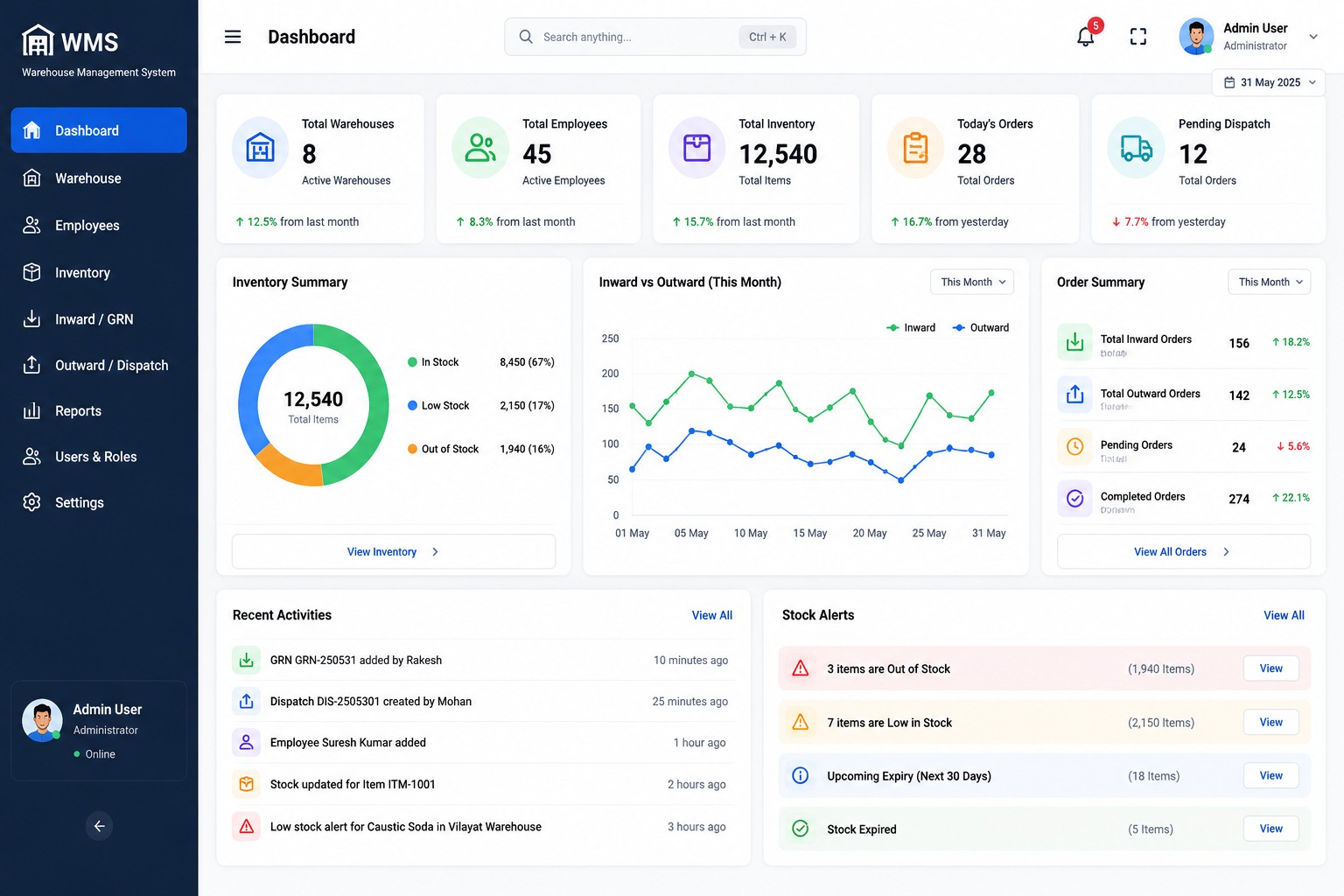
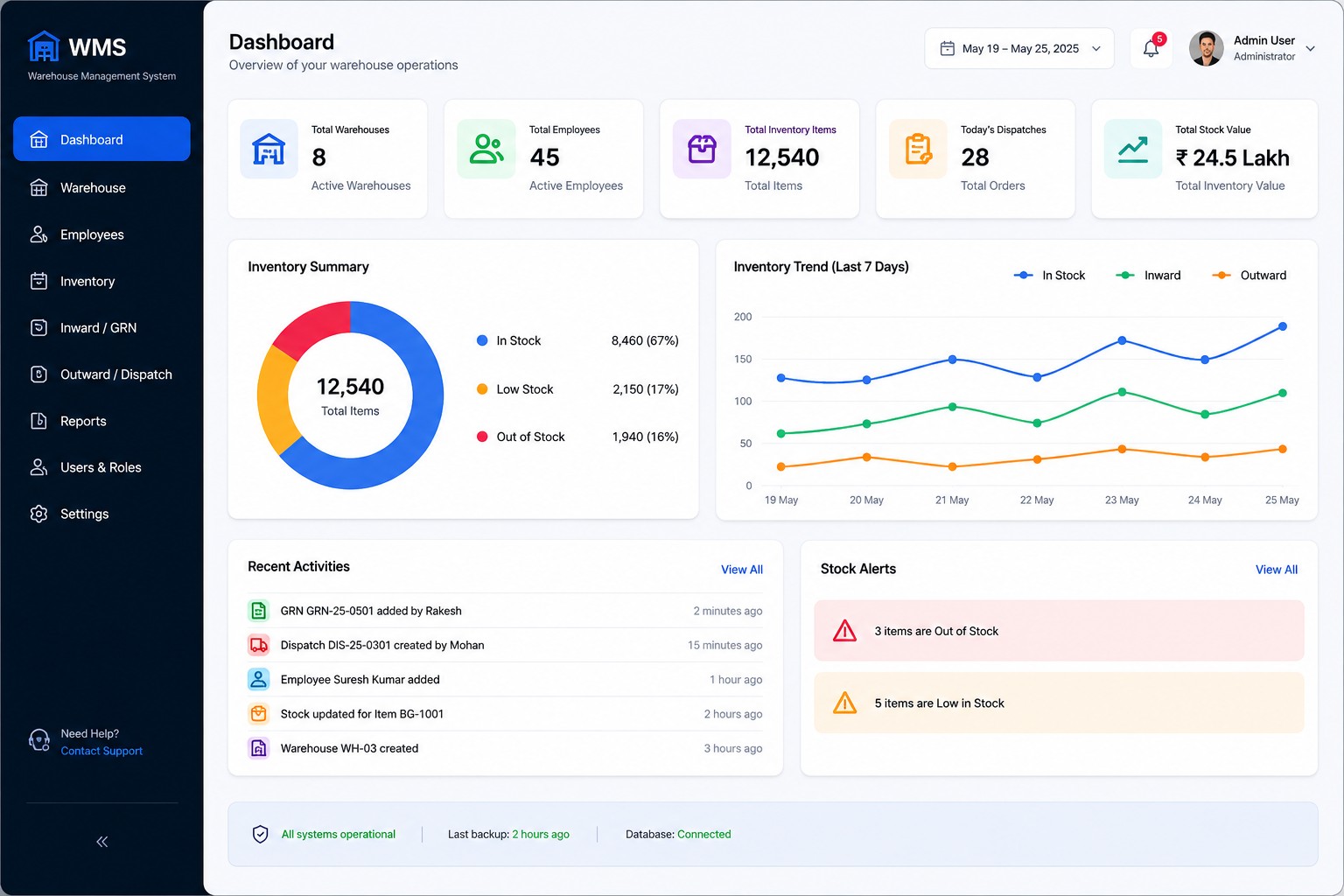
Kopersay WMS dashboard interface
WHY KOPERSAY WMS

Built around warehouse operations.

Organize the major activities that teams use to understand, receive, move, store and dispatch inventory.

English

Kopersay WMS is designed to give businesses a structured way to view warehouse information, inventory movement, inward receipts, outward dispatches, employees and reports.

हिंदी

Kopersay WMS एक modern Warehouse Management System है जो warehouse, inventory, inward, outward, employees और reports की जानकारी को एक organized digital experience में दिखाने के लिए बनाया गया है।

CORE CAPABILITIES

One WMS. Multiple Operations.

Key areas covered across the Kopersay WMS experience.

📦

Inventory

Inventory visibility, stock information and movement tracking.

🏭

Warehouse

Warehouse and location information in an organized structure.

📥

Inward / GRN

Received goods, suppliers and GRN-related information.

🚚

Outward

Dispatch and outward workflow information for operations.

👥

Employees

Employee information, assignments and operational roles.

🔎

Barcode / QR

Designed to support structured item identification workflows.

📊

Reports

Business and warehouse information presented through reports.

🔐

Access Control

Structured access for administrative and operational users.

BUSINESS USE CASES

Designed for real warehouse workflows.

Kopersay WMS can be positioned around the operational needs of different warehouse environments.

🏢

3PL & Logistics

Organize warehouse operations, inventory visibility, inward and outward activities for logistics workflows.

🏭

Manufacturing

Support material receiving, storage, stock movement and dispatch-related warehouse processes.

🛒

Distribution

Bring stock, warehouse and dispatch information into a structured digital workflow.

IMPLEMENTATION APPROACH

From requirement to working WMS.

A practical process for understanding the warehouse and configuring the right solution.

01

Understand

Understand the warehouse process, locations, users and operational requirements.

02

Configure

Map the required modules, roles, workflows and operational information.

03

Demonstrate

Show the relevant WMS workflow and validate it against the business requirement.

04

Implement

Move toward implementation, user onboarding, support and continuous improvement.

COMMERCIAL WMS

Start with the modules your warehouse needs.

The solution can be discussed according to warehouse size, process complexity, users and required integrations.

WMS Requirement Discussion

Every warehouse has a different process. Instead of forcing the same workflow on every business, Kopersay can discuss the requirement and identify the relevant WMS modules for the operation.

✓Warehouse & Location Management
✓Inventory & Stock Management
✓Inbound / GRN Operations
✓Outbound / Dispatch Operations
✓Picking & Operational Workflows
✓Reports & Management Information
✓Role-based Access
✓Barcode / QR Workflows
WMS INTERFACE

Explore the Modules

Preview the major WMS screens and open the complete WMS details page for the full product overview.

Kopersay WMS dashboard overview
01 • DASHBOARD

Dashboard Overview

Get a clear overview of important warehouse information.

View Dashboard →
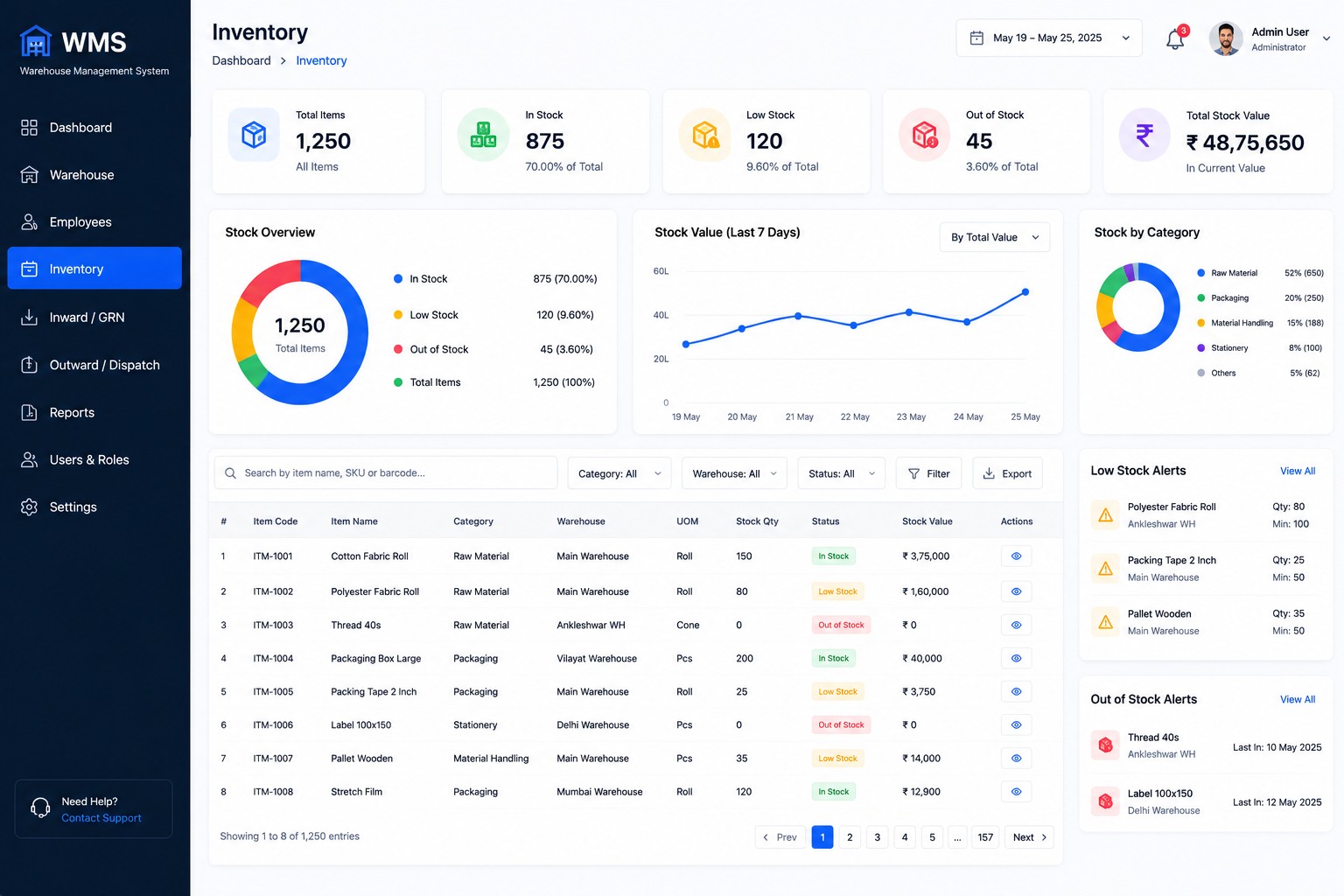
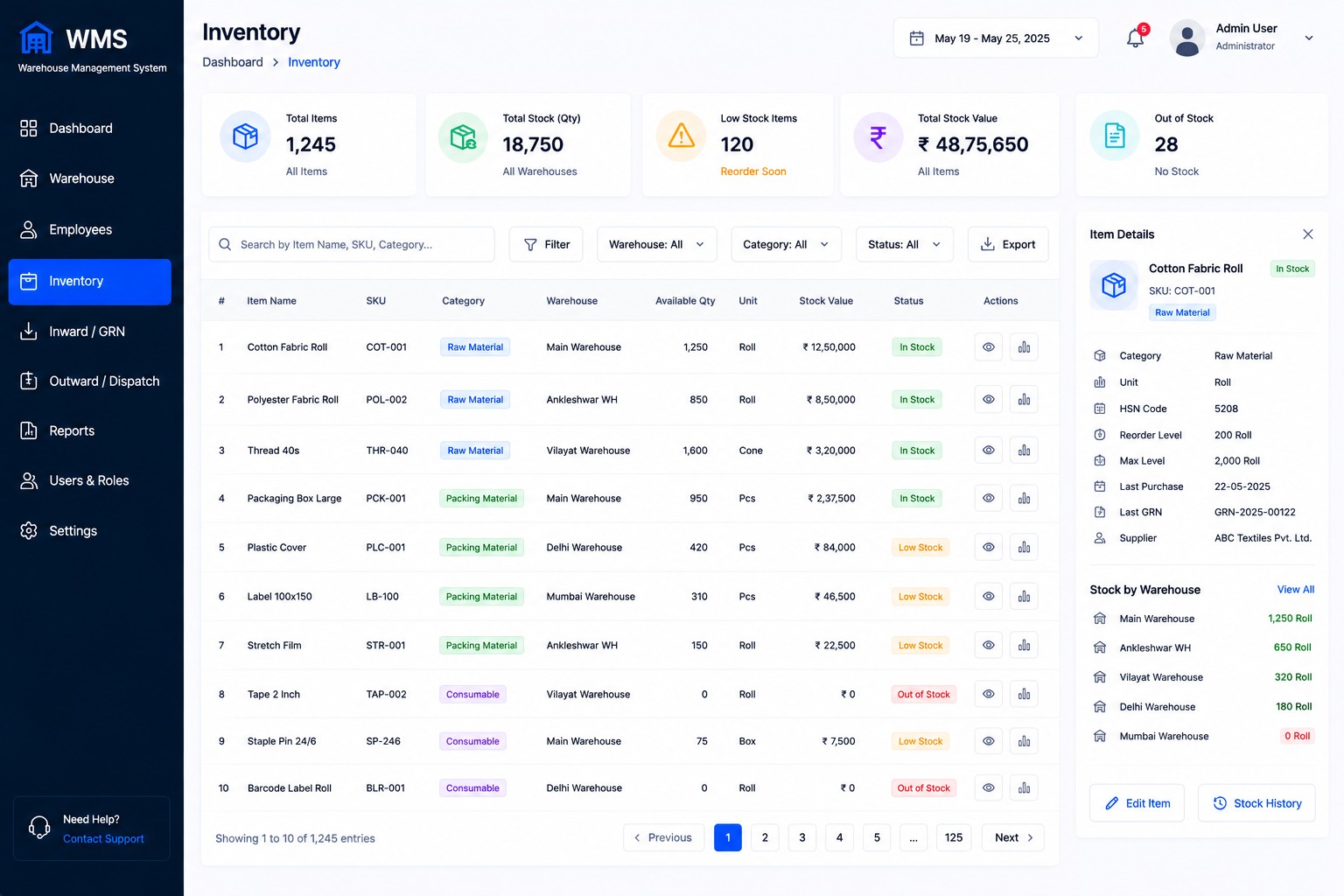
Kopersay WMS inventory screen
02 • INVENTORY

Inventory Management

Review inventory and stock-related information.

View Inventory →
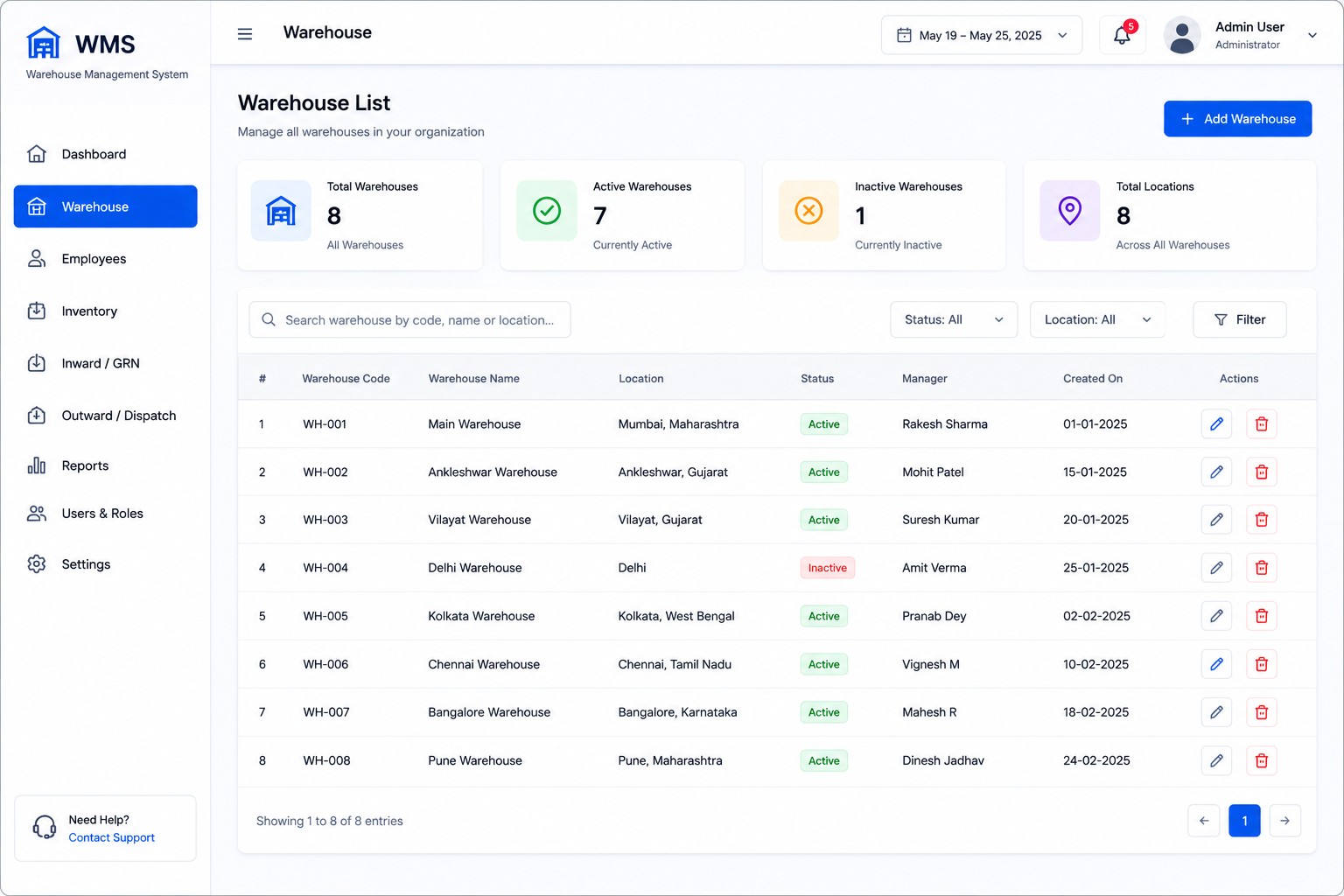
Kopersay WMS warehouse screen
03 • WAREHOUSE

Warehouse Management

Organize warehouse information and operations.

View Warehouse →
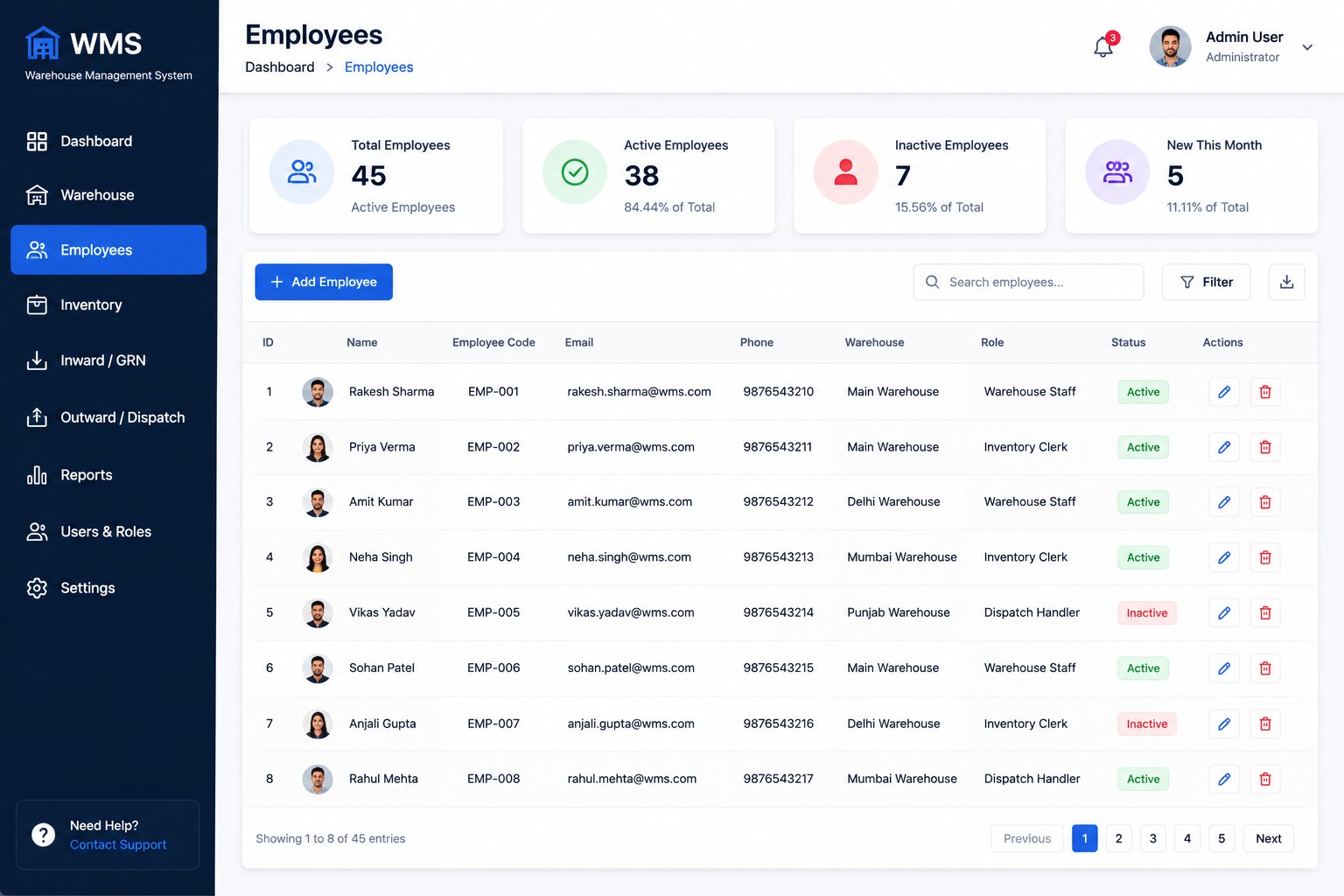
Kopersay WMS employees screen
04 • EMPLOYEES

Employees

View employee and operational information.

View Employees →
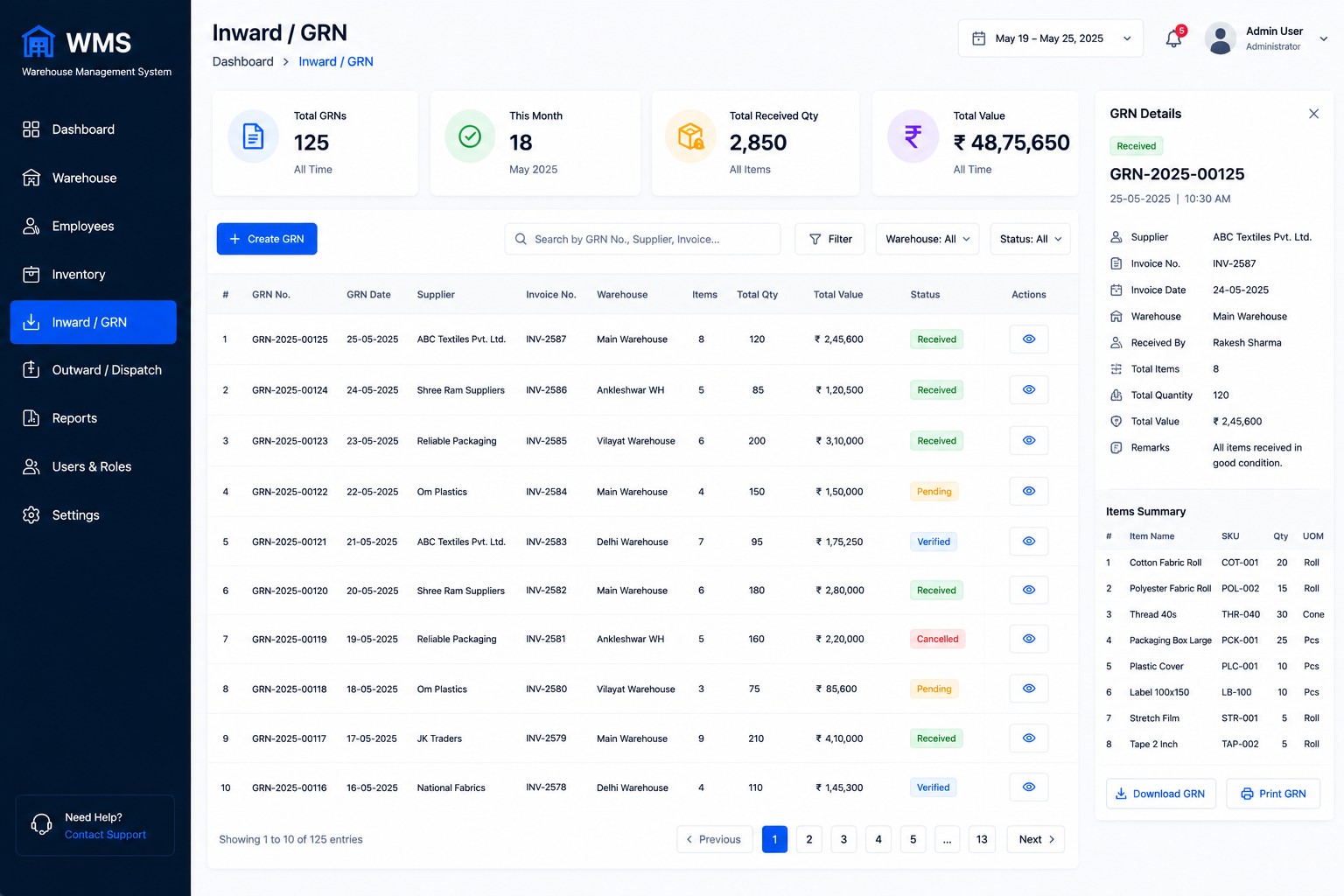
Kopersay WMS inward GRN screen
05 • INWARD

Inward / GRN

Present received-goods and GRN information clearly.

View Inward →
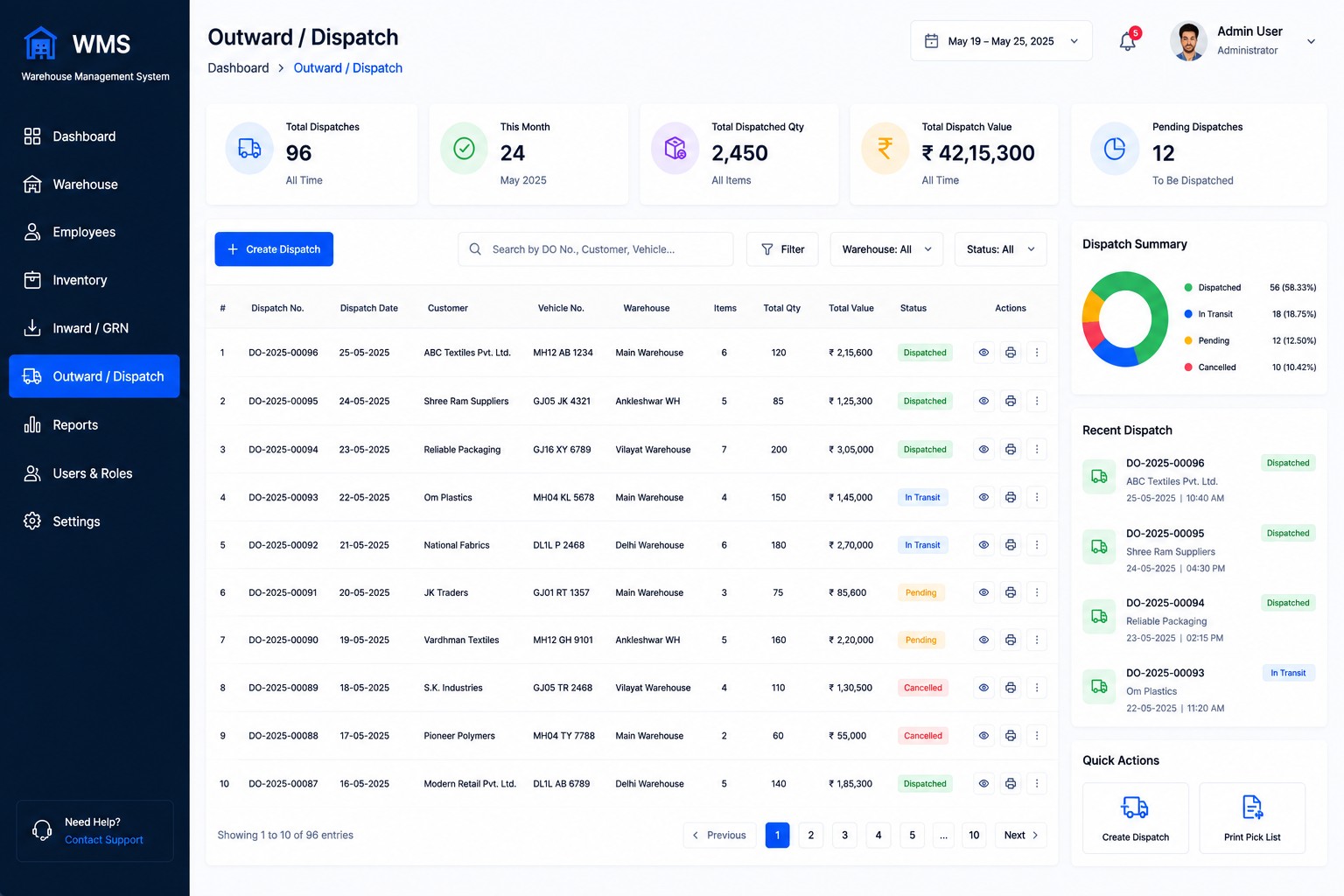
Kopersay WMS outward dispatch screen
06 • OUTWARD

Outward / Dispatch

Review outward and dispatch-related operations.

View Outward →
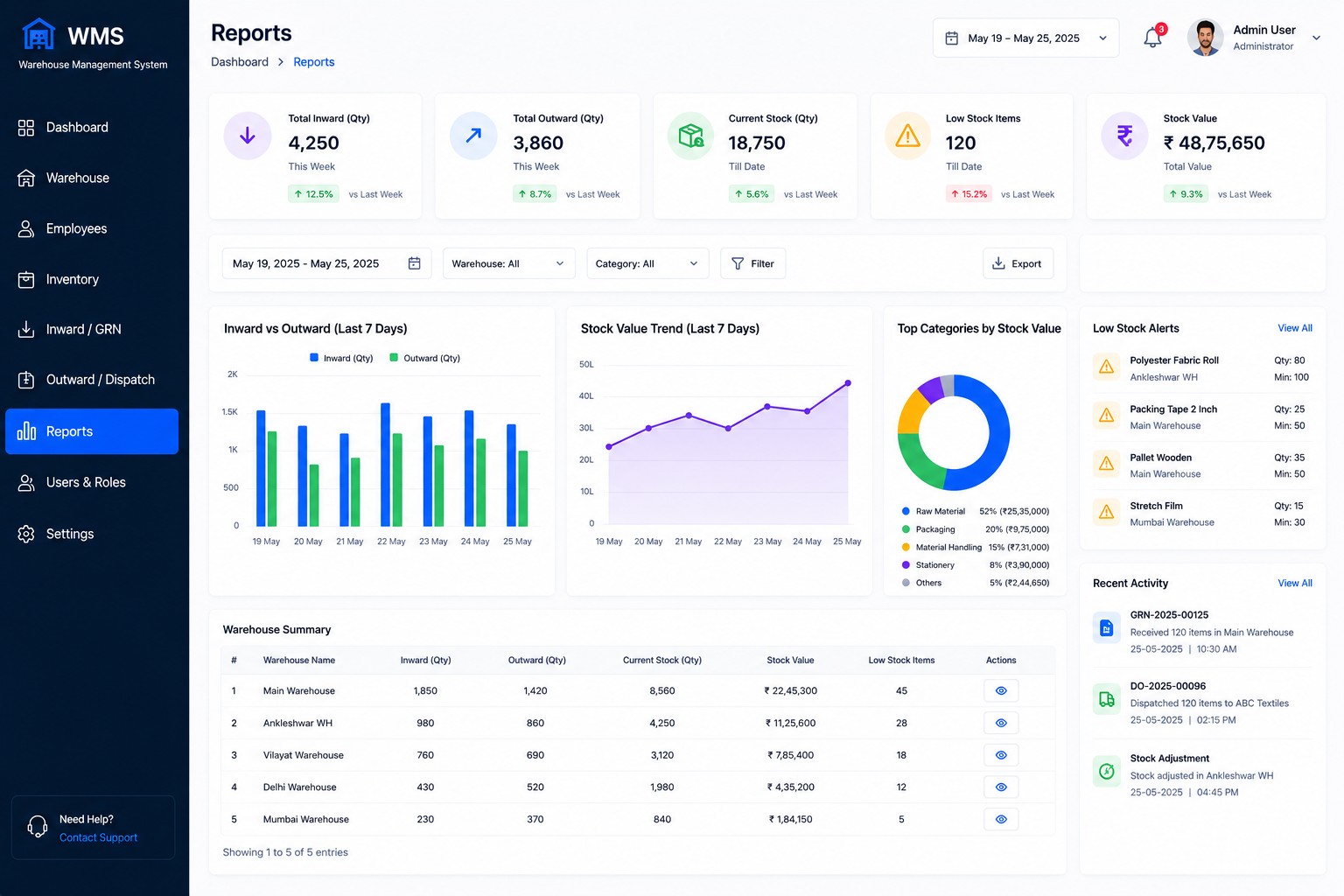
Kopersay WMS reports screen
07 • REPORTS

Reports

Explore reporting and warehouse information screens.

View Reports →
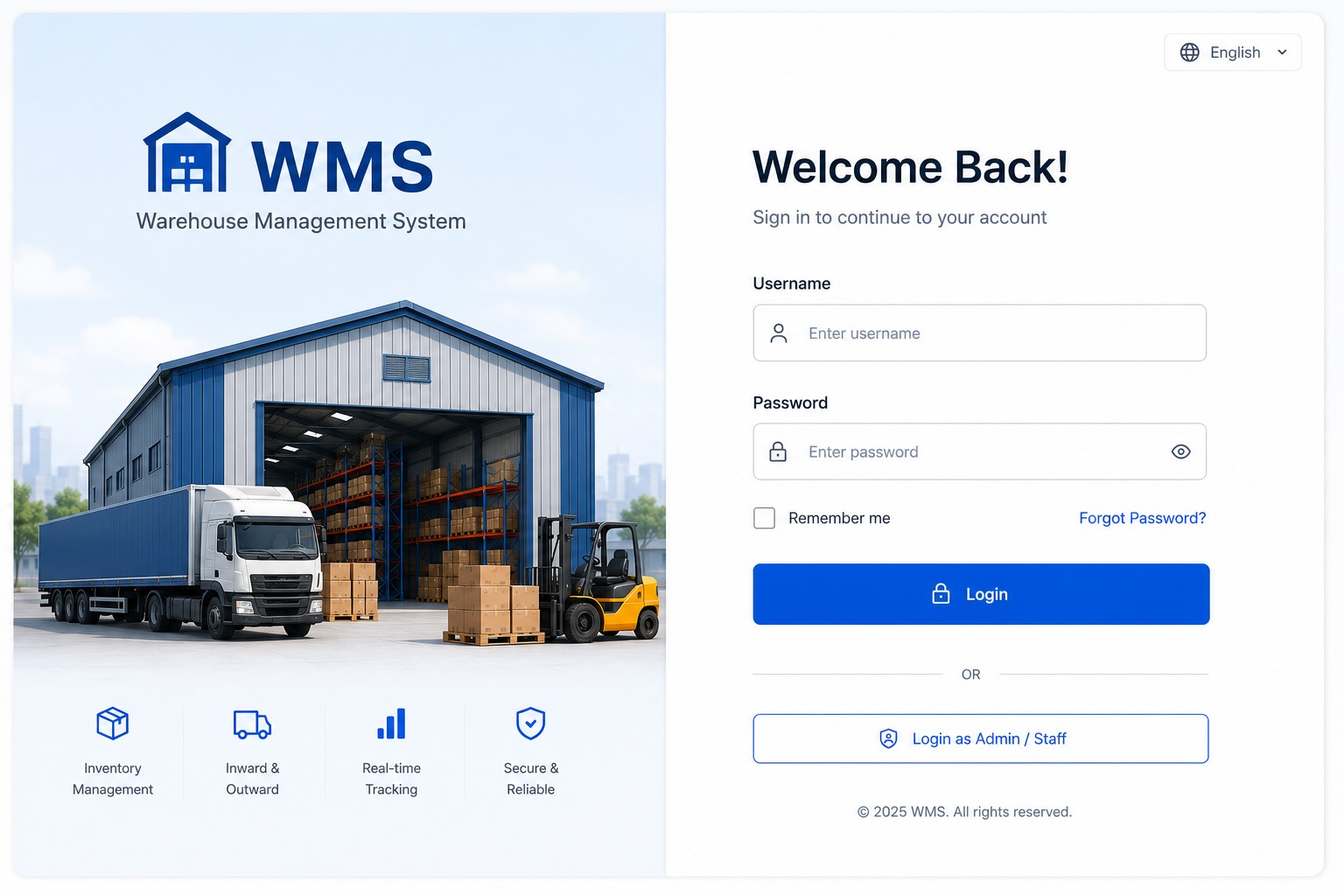
Kopersay WMS login screen
08 • ACCESS

WMS Login

Entry screen for the WMS interface experience.

View Login →
Kopersay WMS inventory details screen
09 • DETAILS

Inventory Details

View detailed inventory information in the product interface.

Full WMS Details →
Kopersay Technologies Logo

Ready to explore Kopersay WMS?

Watch the WMS demo, explore the modules or contact Kopersay Technologies to discuss your warehouse requirement.